
Test CamSorta. Keep it for life.
We're looking for Android users who will give CamSorta a proper workout before wider release. In return, testers who complete the programme will receive a free Lifetime Unlock.
Not a five-minute install followed by “looks good”. We want people to use it with their normal camera, try different destinations, organise plenty of photos and videos, and tell us honestly what works and what doesn't.
Join the Google Group first, then open the Play opt-in page using the same Google account. Once opted in, install CamSorta from the Play Store page shown to you.
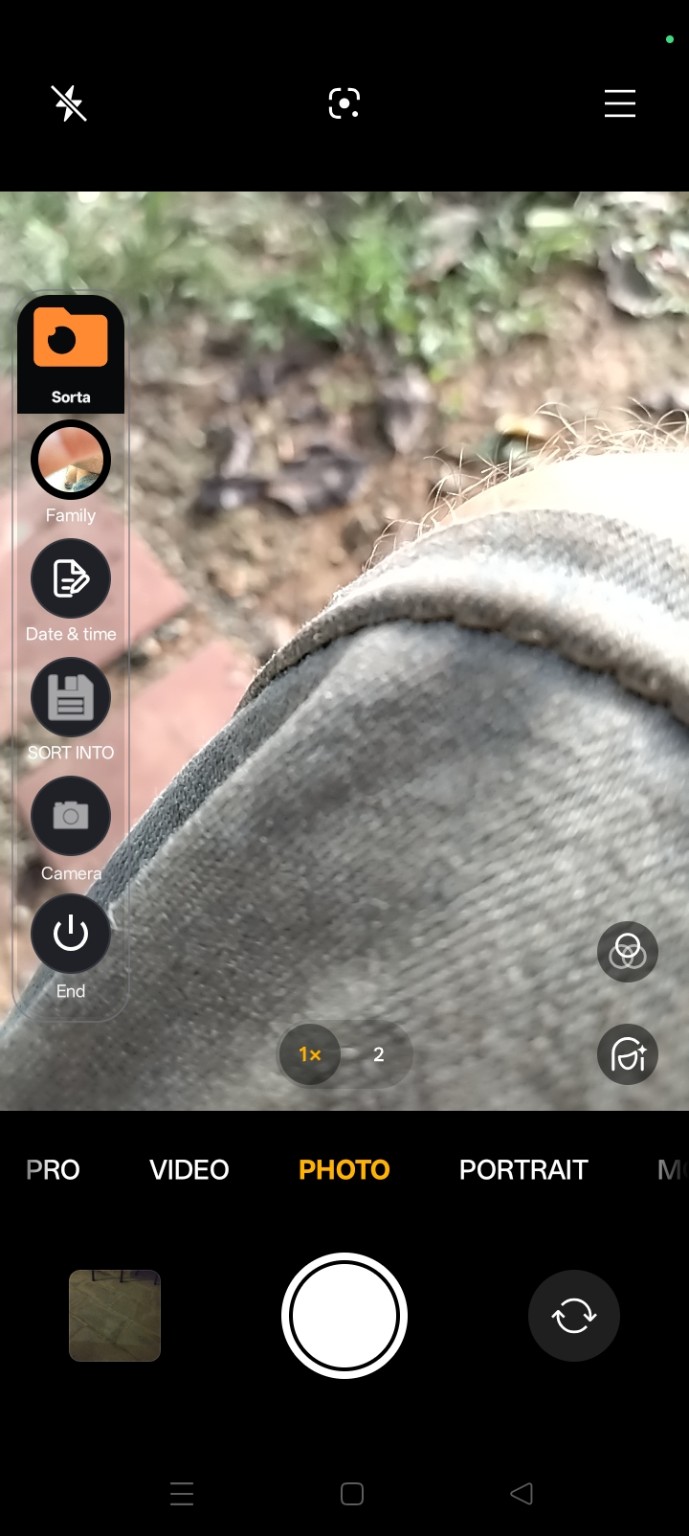
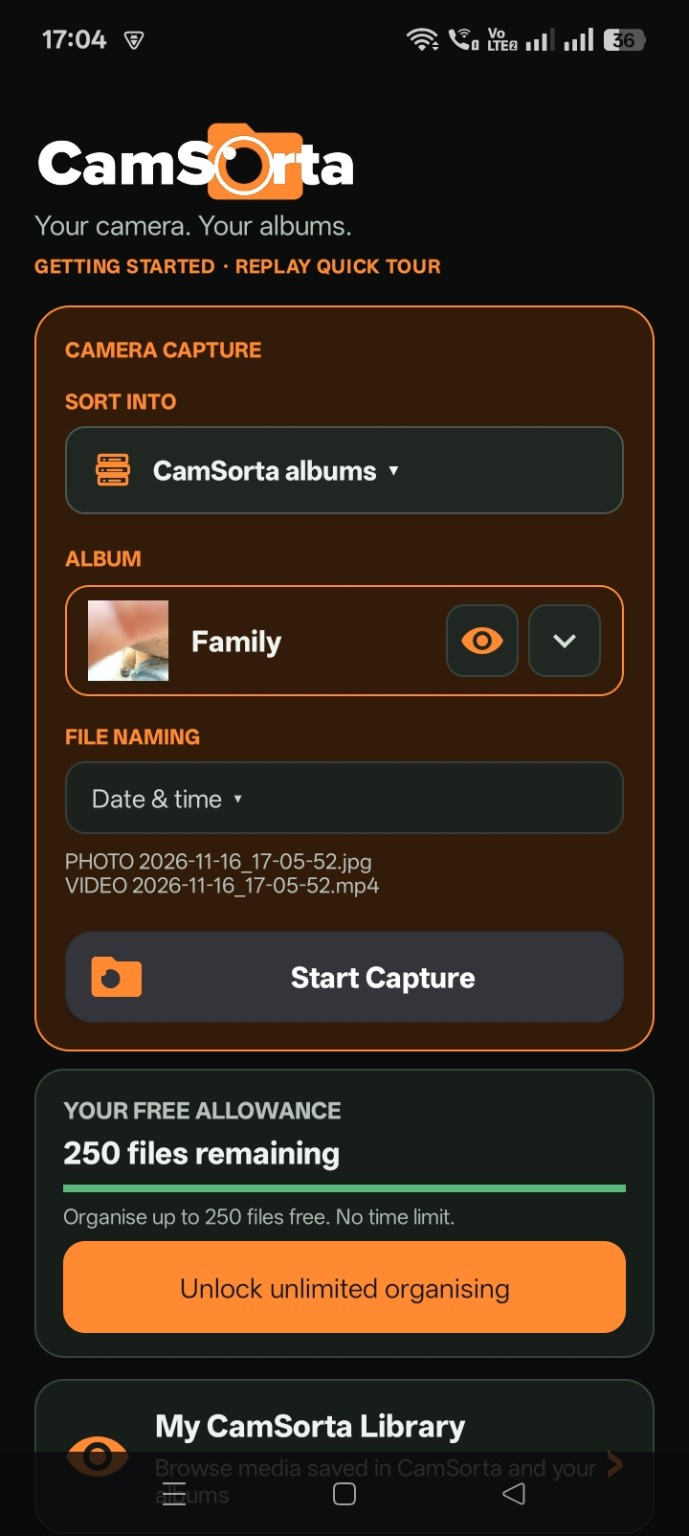
Free Lifetime Unlock
Complete the testing programme and we'll provide CamSorta Lifetime Unlock at no cost. It removes the 250-file test allowance and unlocks unlimited photo and video organisation.
- One-time lifetime unlock
- Unlimited photo and video organisation
- No subscription
- No adverts
- No ongoing payments
The reward is for completing the testing programme and providing useful feedback, not simply for joining the group or installing the app. We'll confirm the unlock delivery process with qualifying testers.
What we ask from testers
To qualify for the free Lifetime Unlock, please:
- Join the Google Group and opt in to the CamSorta closed test using the same Google account.
- Remain opted in for at least 14 consecutive days. This gives the test a meaningful period and aligns with the Play testing period where that requirement applies.
- Install and actively use CamSorta. Try it as part of your normal camera routine rather than only opening it once.
- Make a genuine effort to test the 250-file allowance. Try different destinations and naming options, and test both photos and videos where your device and setup allow it. You do not have to reach 250 if a bug, device limitation or other genuine issue prevents you.
- Send us useful feedback. Tell us what worked, what was confusing, what failed and whether you would keep using it.
- Tell us about your device and camera setup so we can understand compatibility and reproduce problems.
We are after honest testing, not a particular review or a five-star rating. Critical bug reports are valuable even if the bug stops you completing every test.
First, tell us about your phone
Please include as much of this as you can in your tester introduction or feedback:
- Phone manufacturer and model — for example, Samsung Galaxy S24, Google Pixel 8 or Xiaomi Redmi Note 13.
- Android version — find it in your phone's Settings, usually under About phone.
- Camera app — Samsung Camera, Google Camera, Open Camera or another app.
- Camera app version if it is easy to find.
- Other camera apps you have installed and might use with CamSorta.
What to test
Would you actually use it?
Does CamSorta become part of your normal camera routine, or do you forget it's there and go back to doing things the old way? Be honest.
First impressions and ease of use
Is the purpose obvious? Are the controls and options understandable? Is anything awkward, confusing or in the way?
Push the 250-file allowance
Try different destination albums, naming options, photos and videos. Watch what happens as you approach the allowance.
Check the results
Are files saved to the expected destinations? Are names correct? Do photos and videos behave properly? Any missing files, errors or performance problems?
Try real everyday situations
Use different destinations for work, family, vehicles, trips, home projects or anything else you regularly photograph.
Try again after a restart
Close and reopen the app, switch destinations and repeat a few captures. Let us know if anything behaves differently.
How to send feedback
Use the CamSorta tester Google Group to introduce yourself and share your findings. Include your phone and camera details, what you were trying to do, what you expected and what actually happened.
- What worked well?
- What didn't work?
- Which screen or step was confusing?
- Did you encounter an error, missing file or unexpected result?
- What would make CamSorta more useful?
- Would you keep using it?
Screenshots and short screen recordings are especially useful for showing a problem. Don't worry about reporting something that seems trivial — small annoyances can become big reasons not to use an app.
Tester questions
Do I need a particular Android phone?
No specific manufacturer is required. We want a useful mix of Android phones and camera apps. Please tell us your exact model and Android version.
Do I have to organise exactly 250 files?
No. Please make a genuine effort to test the allowance, but reaching exactly 250 is not mandatory if a bug, device limitation or other genuine issue prevents it. Tell us what happened.
Do I have to leave a positive review?
No. We want honest feedback, including criticism and bug reports. A positive rating is not a condition of the tester reward.
Is the app publicly released?
No. CamSorta is currently distributed through its closed testing programme. This page explains how to join that test.
Why do I need to join the Google Group first?
The closed test is restricted to invited testers. Join the group with the Google account you intend to use, then open the Play opt-in link and follow the instructions shown by Google Play.
Thanks for helping us get this right
CamSorta is being built to solve a small but persistent annoyance: taking photos is easy; keeping them organised is another matter. Your feedback will help us work out whether this approach genuinely makes life easier — and what needs fixing before wider release.
Don't sort later. Sort as you shoot.
Back to CamSorta