
Rename photos while taking them on Android
If your camera saves everything with generic filenames, finding the right image later can be frustrating. CamSorta brings file-naming options into a capture workflow, so you can think about organisation before you take the shot.
Why rename camera photos?
A filename such as IMG_20261121_142305 may tell you when a photo was taken, but not what it shows or which job, project or event it belongs to. A useful naming approach can make files easier to recognise and manage.
Can you rename a photo at the moment you take it?
It depends on the camera app and its features. Some specialist camera and documentation apps provide naming templates or custom names. Many standard camera apps use automatic date-based filenames and leave renaming until later.
How CamSorta approaches file naming
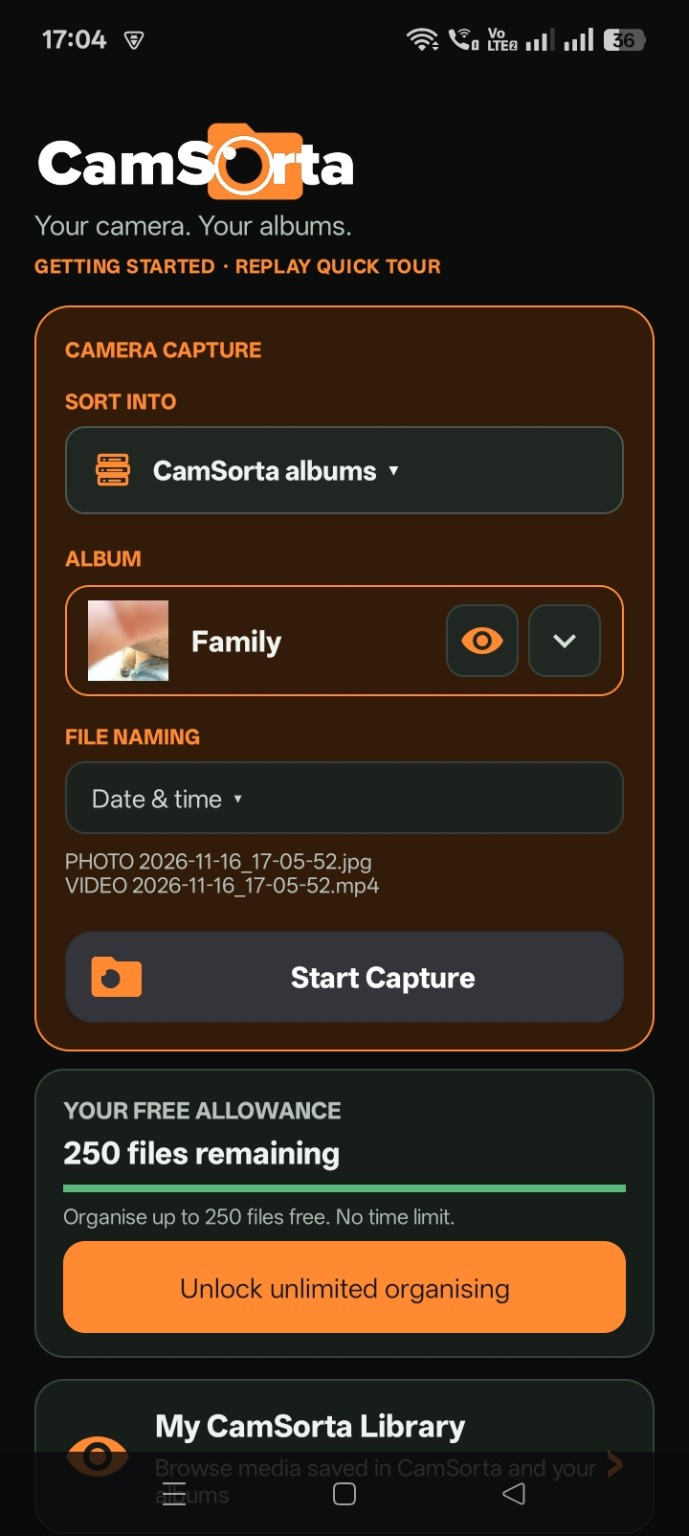
CamSorta works alongside your phone's normal camera and provides floating organising controls. Its capture setup includes a file-naming selection, alongside the destination album selection. This makes naming part of the camera workflow rather than a separate file-management task.
Useful naming ideas
- Date and time for chronological records.
- Project or job identifiers when documenting work.
- Consistent naming rules that make files easier to scan and search.
Available naming choices depend on the options in the current app version. Explore CamSorta.