
How to organise photos on Android — without the endless sorting session
Most phone cameras make it easy to take hundreds of photos. Keeping them organised is another matter. The trick is to decide where new photos belong before the camera roll becomes a backlog.
Why Android camera rolls get messy
Photos from work, family, travel, hobbies and everyday life often land together. Albums and folders can help, but moving everything later takes time and effort.
Three ways to organise Android photos
Sort them afterwards
Use your gallery or file manager to move photos into albums after capture. It works, but relies on remembering to do it.
Use a folder-first camera
Some camera apps save captures into a selected folder. This can suit people happy to use a separate camera app.
Organise during capture
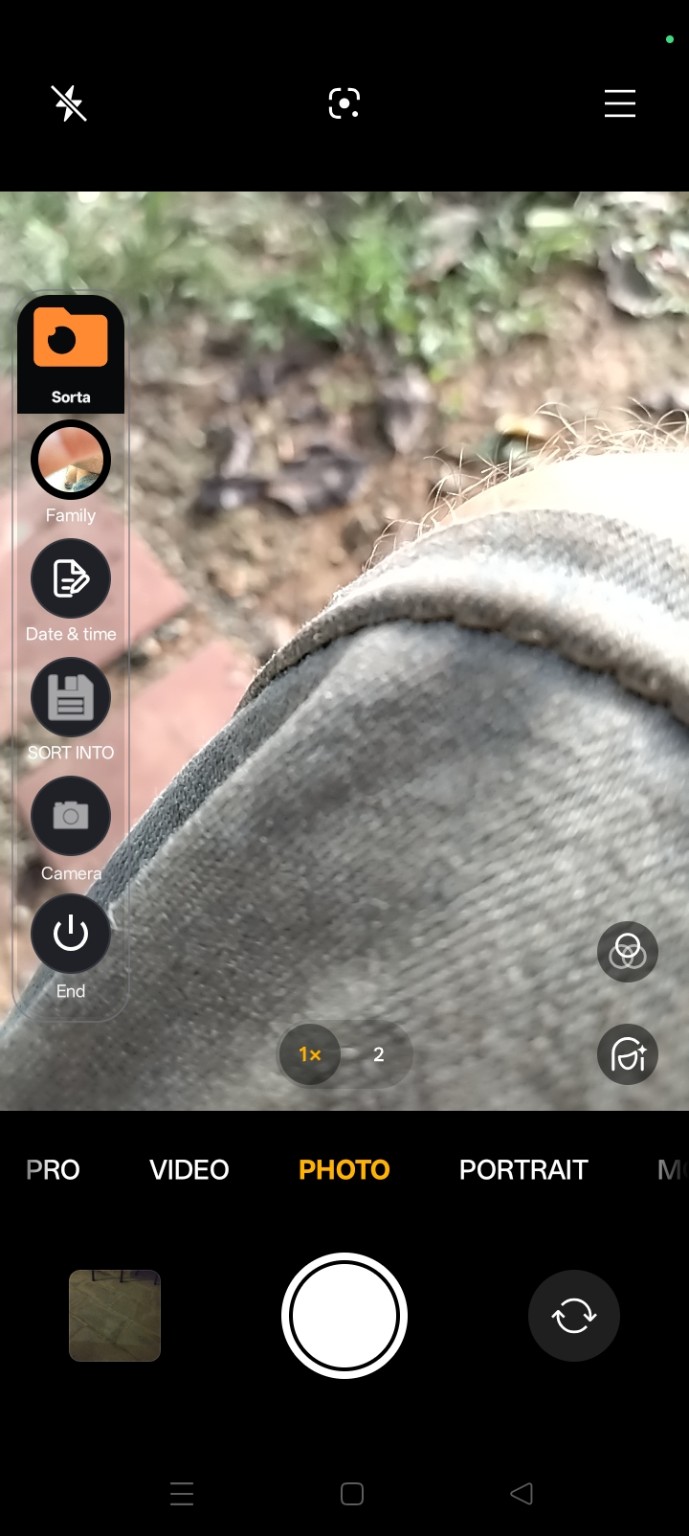
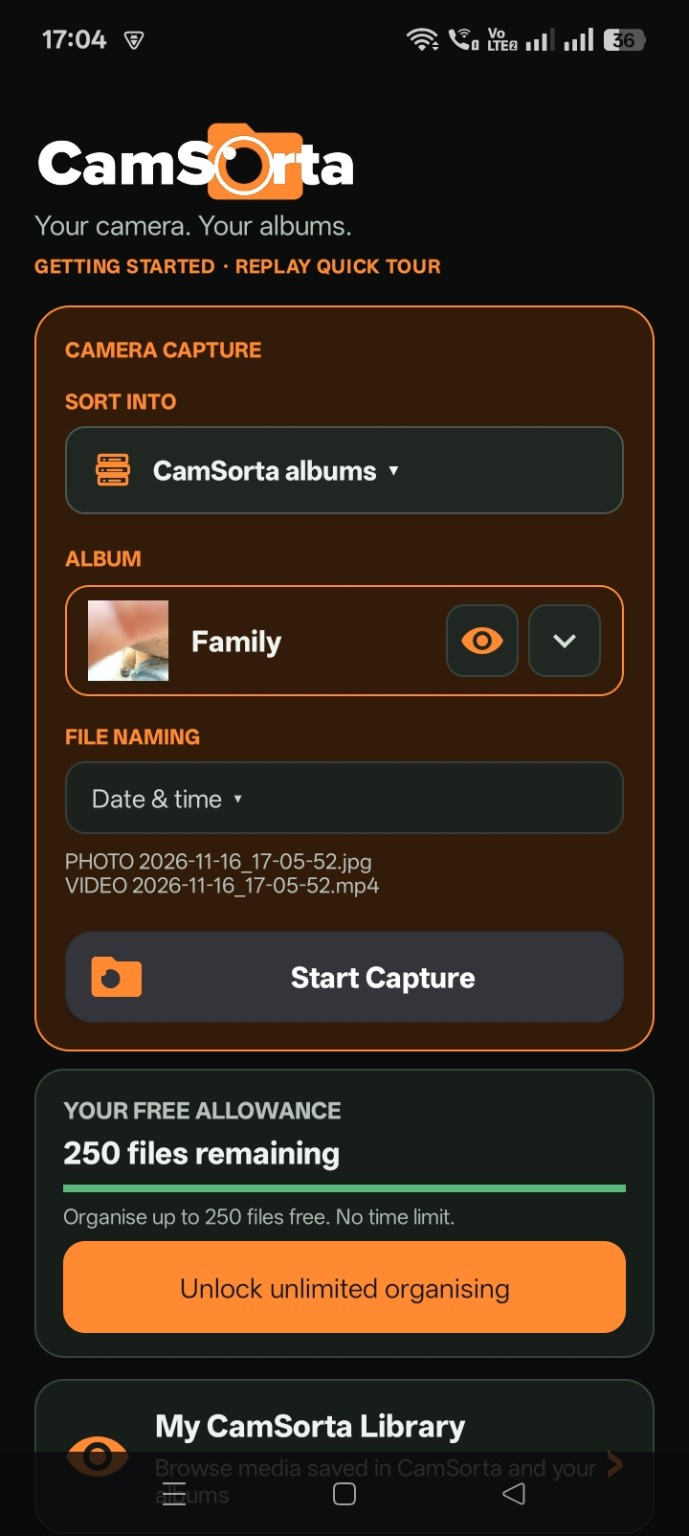
CamSorta takes a companion approach: keep your normal camera and use floating controls to choose destination and naming options as you shoot.
Make organisation part of taking the photo
With CamSorta, choose the destination album and file-naming preference in the capture workflow. The idea is to avoid creating a mountain of unsorted media in the first place.
Who benefits from organised camera photos?
- Tradespeople keeping photos for different jobs or customers.
- Families separating everyday photos and special occasions.
- Travellers keeping trip photos together.
- Vehicle owners and mechanics recording maintenance or repairs.
- Anyone who wants to find a photo without scrolling through an endless camera roll.
Want to organise as you shoot? See how CamSorta works.