
Your camera roll isn't a filing system.
Your phone makes taking photos effortless. Finding the one you need six months later? Not always so effortless.
We have become used to throwing thousands of photos and videos into one long stream, then treating the resulting mess as something we'll sort out one day. There is another way to think about it.
The digital drawer we all keep stuffing
Think about the last time you needed to find a particular photo. Maybe it was a picture of a repair, a receipt, a place you visited, a document, a family moment or something you knew you had photographed but couldn't quite remember when.
You open the gallery and start scrolling. Past screenshots. Past pictures sent by other people. Past meals, holidays, work jobs, pets, parcels and the dozens of nearly identical shots you took to get one decent image.
Most phones make capturing a moment incredibly easy. But the default habit is to let everything accumulate together and leave the organising for later.
That is a bit like putting every paper document you own into one drawer and hoping the search function in your memory will do the rest.
“I'll sort them later” is a job that keeps growing
Sorting afterwards sounds sensible. Take the photos now; organise them when you have a spare moment.
Except that spare moment rarely arrives. Tomorrow's photos join yesterday's. A weekend away becomes hundreds of images. A busy work week adds another batch. Before long, sorting feels less like a quick tidy-up and more like a project.
And the longer you leave it, the harder it can be to remember what each photo was for, which job it belonged to or why you took it in the first place.
The problem isn't that people are bad at organising. It's that the organisation has been left until after the activity that created the material.
What if you organised a photo at the moment you took it?
Consider a small change: instead of asking where a photo should go later, decide where it belongs while the camera is already open.
Taking pictures of a particular job? Put them with that job. Recording a vehicle repair? Keep those images together. Photographing a family day out? Give those photos their own destination.
The point isn't to create a complicated filing system or spend more time fiddling with your phone. It's to make one useful decision at the moment it is easiest to make: when you know what you're photographing and why.
Organising as you shoot won't magically make every photo important, and it doesn't reduce the storage space used by the photos themselves. What it can do is reduce the backlog of sorting and make media easier to find and manage.
Why can't the camera just help with that?
For many people, the camera is one of the most-used features on their phone. Yet photo organisation is often treated as a separate activity, handled later in a gallery app or file manager.
Some camera apps offer destination-folder choices. Some photo tools help move, rename or categorise media after capture. Those approaches can be useful, but they may mean changing camera apps or returning to the same sorting task later.
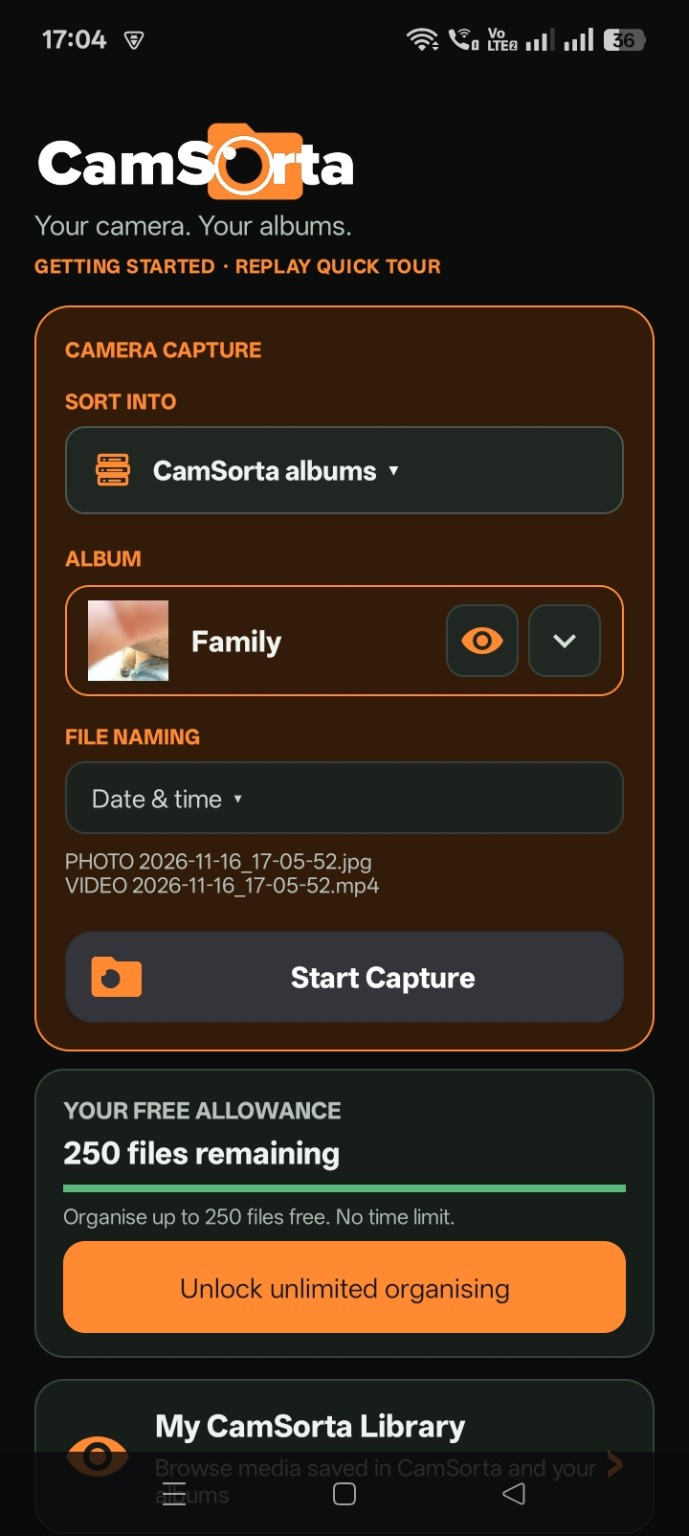
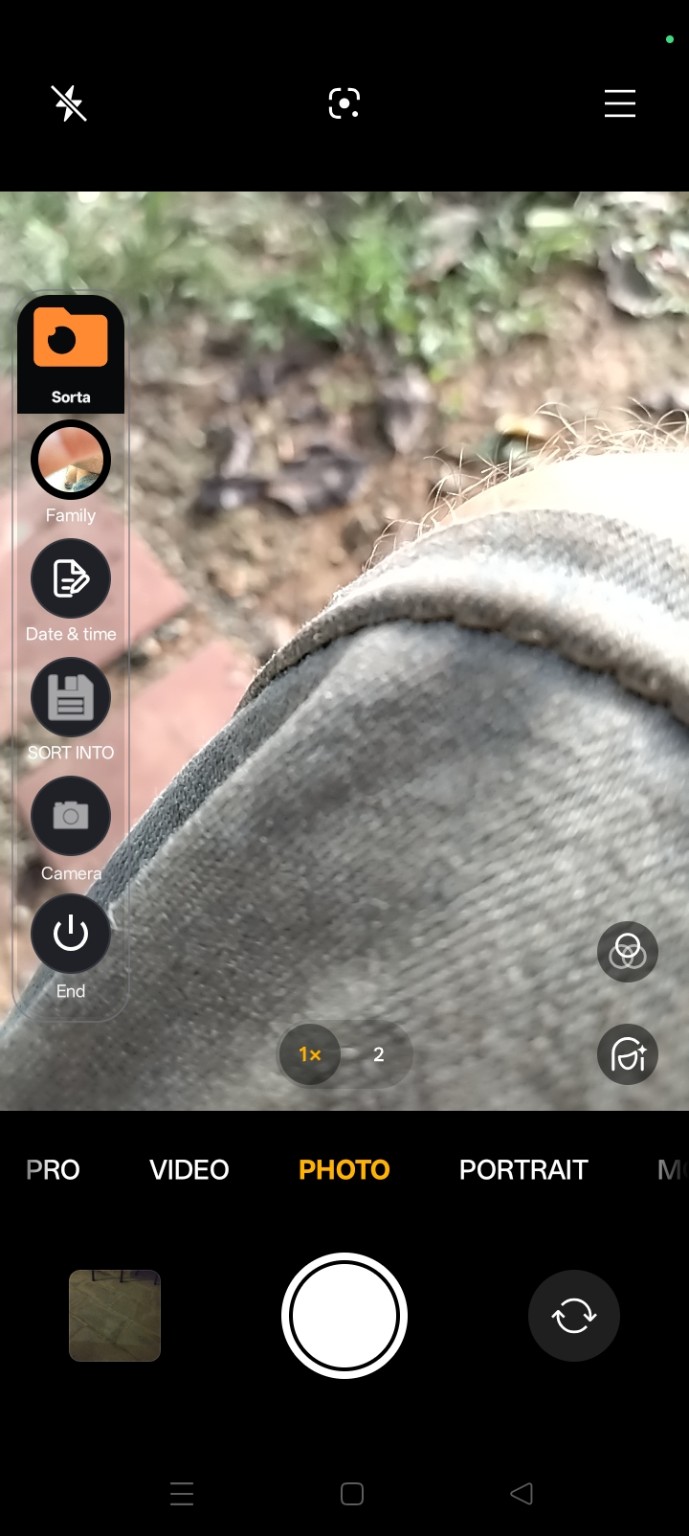
CamSorta takes a companion approach. It is designed to work alongside your phone's normal camera, bringing floating organising controls into the camera experience. You can choose a destination album and a file-naming option as part of the capture workflow.
Meet CamSorta
CamSorta is an Android camera companion built around a simple idea: organise your photos and videos as you shoot, rather than leaving everything for later.
Keep using your familiar camera. Use CamSorta's floating controls to choose where your media belongs and access the organisation options available in the app.
Don't sort later. Sort as you shoot.
A better habit doesn't need a complicated system
You don't need dozens of folders or a perfect naming convention. Start with a few useful destinations that reflect the way you actually use your phone:
- Work: jobs, customers, sites or projects.
- Personal: family, friends and everyday life.
- Travel: trips, places and days out.
- Vehicles: maintenance, repairs and records.
- Home: receipts, improvements and household projects.
The best structure is the one that helps you find things later without making taking a photo feel like paperwork.
Start with one question
The next time you open your camera, ask yourself: Am I going to want to find this photo later?
If the answer is yes, think about where it should belong before you take it. It is a small change, but repeated over hundreds or thousands of photos, it can change the way your camera roll grows.
Your camera is already there when you need to capture something. Maybe organisation should be there too.