
How to save camera photos into folders on Android
If you take photos for different parts of your life, one giant camera folder quickly becomes inconvenient. There are several ways to separate captures into folders — the best choice depends on how you like to use your camera.
Option 1: Move photos into folders afterwards
Use a gallery or file manager to select photos and move them into folders. This gives you control, but it creates a second task after taking the photos.
Option 2: Use a camera app that saves into folders
Some Android camera apps let you choose a destination folder before capture. This can be a straightforward solution if you're happy to use that camera app.
Option 3: Use CamSorta alongside your normal camera
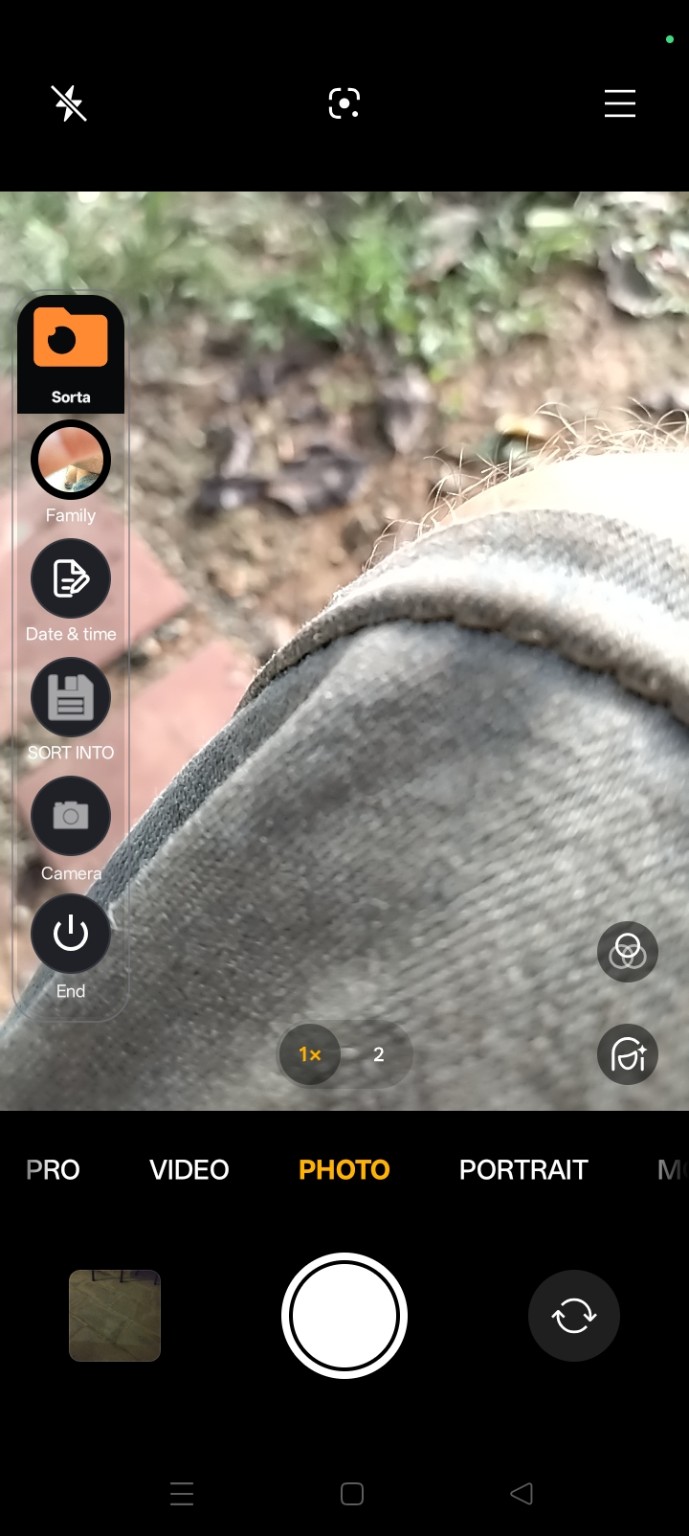
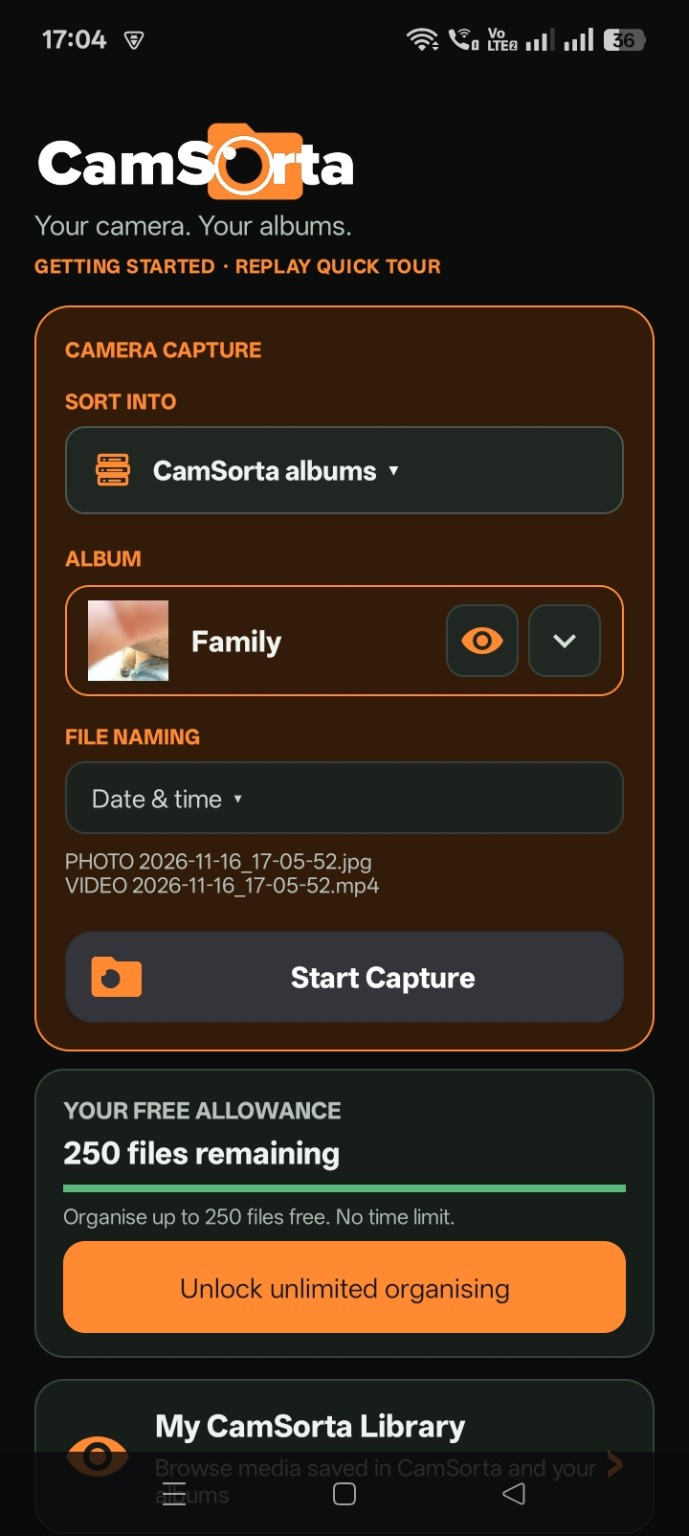
CamSorta takes a companion approach. Its floating controls sit over the phone's native camera experience, letting you choose a destination album and naming option as part of the capture workflow.
Choose a folder system that makes sense
- Work / Customer / Job
- Home / Family / Events
- Travel / Country / Trip
- Vehicles / Registration / Maintenance
- Projects / Before / After
The aim isn't to create more admin. It's to make the destination decision once, while you're already taking the photo. Discover CamSorta.